
How IdahoLens Made Radio Keep Playing While You Browse
Radio was already useful inside IdahoLens. The bigger challenge was making it keep working after you stopped looking at the Radio tab.
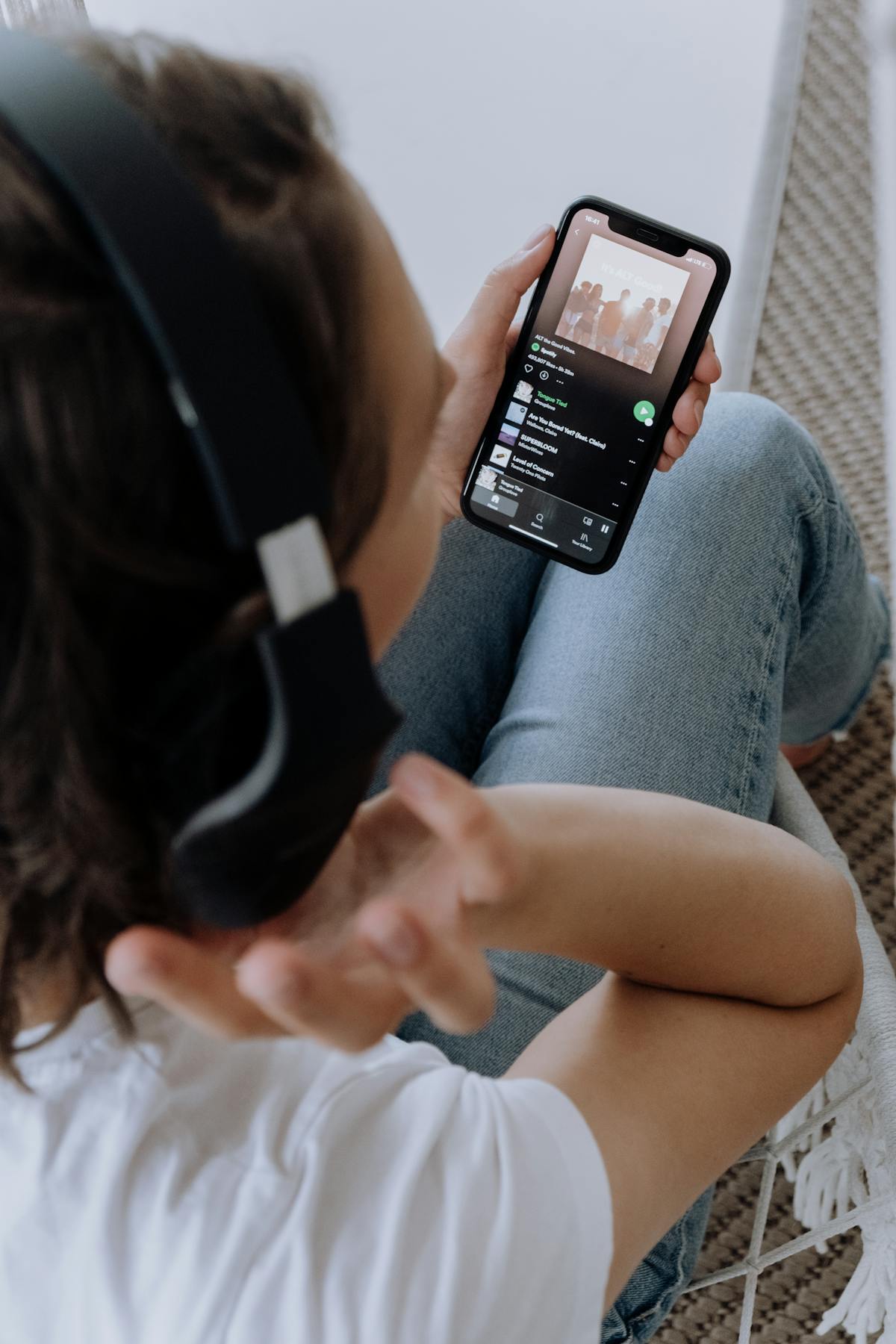
The latest Radio update started with a simple expectation: if you press Play, the station should keep playing while you use IdahoLens.
That sounds obvious until a website starts moving between different sections and different pages. A normal page change destroys the audio player, which means the stream stops. Solving that turned into a much more interesting project than adding another button to the Radio tab.
You should not have to babysit the Radio tab
The first change was the simplest and most important one. Starting a station no longer means you have to leave the Radio tab open. You can move to News, Sports, Events or Dining on the homepage and the same audio session keeps playing.
Only one station plays at a time. Choosing another station replaces the current stream, and pausing the active station stops the persistent player.
The player now stays visible at the top
Once a station is playing, IdahoLens adds a fixed player banner across the top of the page. It stays visible as you scroll so you never have to hunt through the station list to remember what you started.
The banner keeps the information intentionally simple: a pulsing orange live indicator, “Playing →”, the station name and a single play/pause control. The orange pulse uses the same visual rhythm as the green Live public data indicator elsewhere on IdahoLens, so the page has one consistent language for something that is actively updating or playing.
The banner remains there even if you return to the Radio tab. It goes away when the active station is paused, when the page is refreshed or when you leave IdahoLens.
Stories, About and Idaho Live no longer have to kill the stream
Moving between tabs on the homepage was only half the problem. Pages such as Stories, About and Idaho Live normally load a new document, which would destroy the audio element and stop playback.
The persistent version keeps the original IdahoLens document and audio session alive, then opens other IdahoLens pages inside a browsing shell. That is why the stream can continue while you move into a story, check the webcam gallery or read the About page.
The browsing shell also keeps its own compact station control at the top so the current stream is always within reach.
The phone mattered as much as the desktop
This feature was designed with the “phone in your pocket” use case in mind. If you are listening while mowing the lawn, driving around town or doing something else away from the screen, the site should behave more like an audio companion than a page you have to keep touching.
Where the browser supports the Media Session API, IdahoLens now supplies the station name and play/pause actions to the operating system. That gives supported phones and browsers the information they need to surface audio controls on the lock screen or system media controls.
Refreshing the page or leaving IdahoLens still ends the session by design. The goal is persistence while you are using IdahoLens, not keeping a stream alive after you have left the site.
Preview testing exposed a problem that had nothing to do with the player
The first persistence previews looked broken. Stations would spin without starting, and a couple of Fox Sports streams that worked on the live site suddenly reported errors.
The persistence code turned out not to be the cause. The separate preview environment itself was changing the conditions under which the third-party audio streams were being loaded.
The test moved to a hidden same-origin mode on IdahoLens.com so the normal homepage, stream endpoints and browser context stayed identical to production. Once that variable was removed, the persistence behavior could be tested one piece at a time without confusing a stream-host problem with an IdahoLens player problem.
Radio is becoming part of the site instead of a destination inside it
That distinction is what makes this update useful. Radio is no longer a section you visit and then leave. It can keep running while IdahoLens does the rest of its job.
The feature still uses the same direct-stream standard and shared player underneath, but the experience now feels much closer to carrying a station with you while you browse the site.
Published and last updated October 6, 2026 · IdahoLens.com